
Zoome Registration, Login and Verification for Australian Players
Welcome to Zoome, where you can register online in a few short steps and play pokies, live tables and sports bets in AUD. Your login protects your balance, and account verification confirms your identity before we process withdrawals. The website and mobile app use the same process, and support is on hand if you need help. New players can claim a welcome bonus of 125% up to 2,625 AUD, 100% up to 1,500 AUD + 100 FS, 50% up to 1,125 AUD + 50 FS or 100% up to 1,125 AUD + 100 FS.
Zoome Sign Up: Create Your Account in 5 Steps
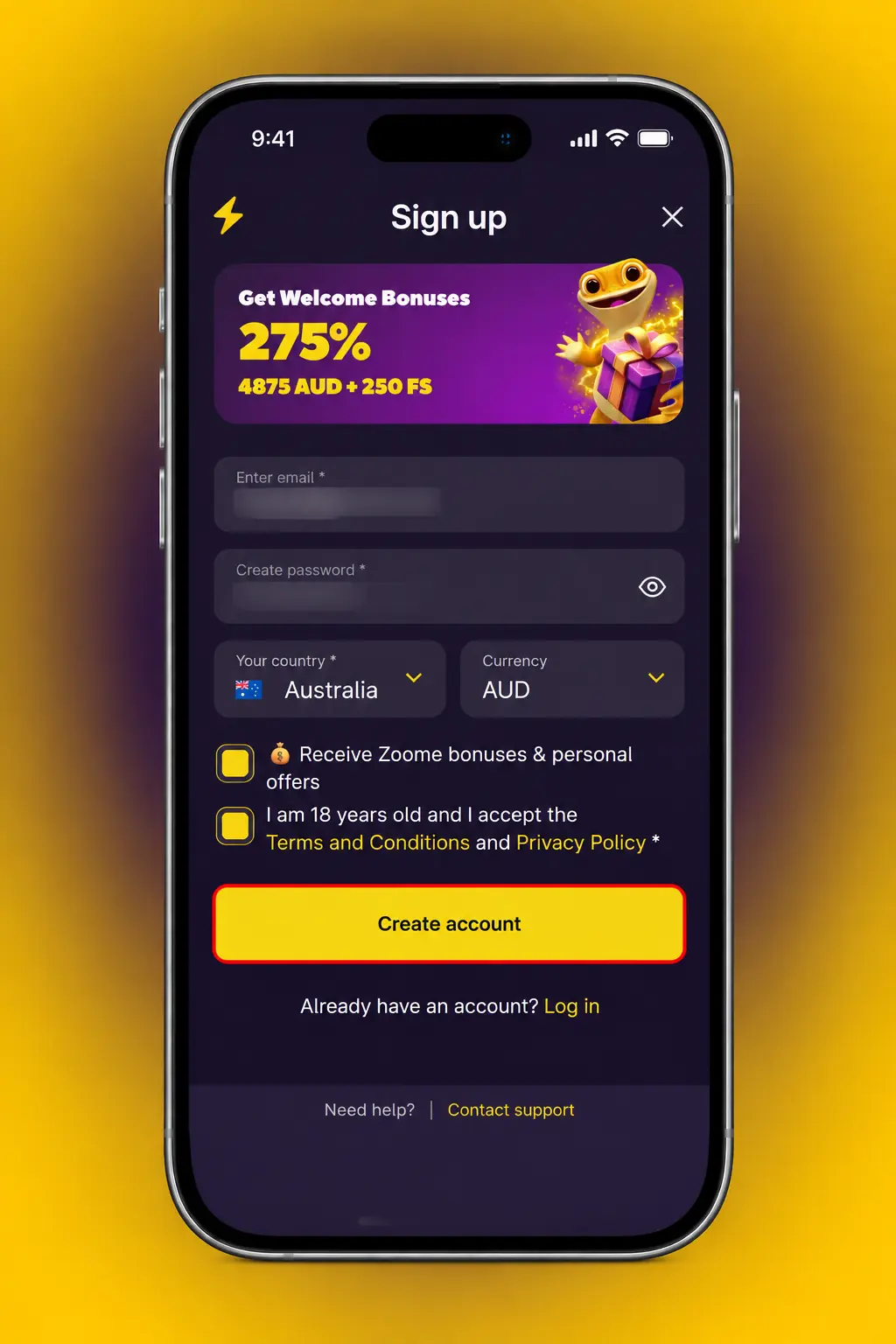
Your Zoome sign up takes five steps and starts on this page. Have your ID details ready before you begin.
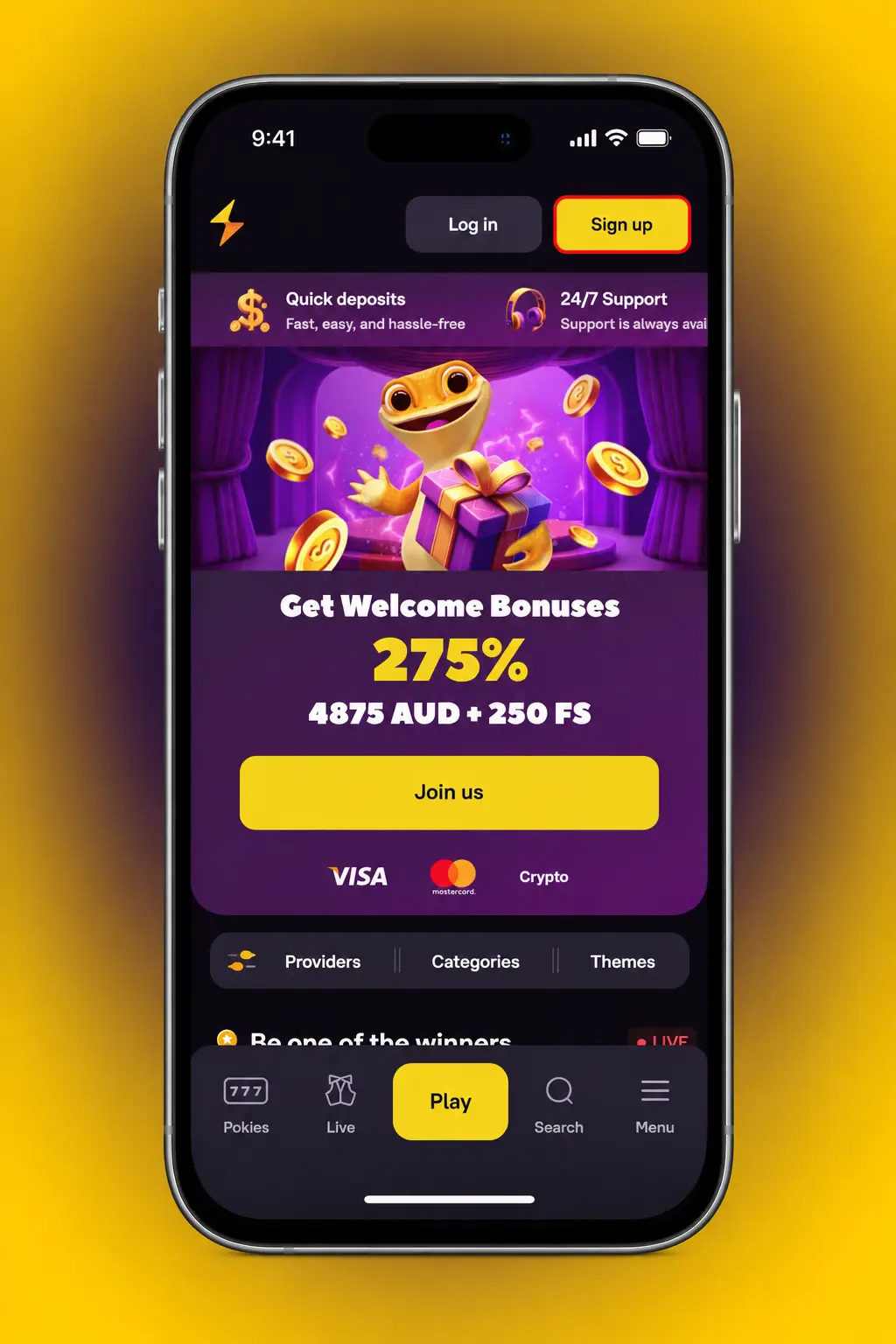
Open the form
Click the Sign up button below to start registration.
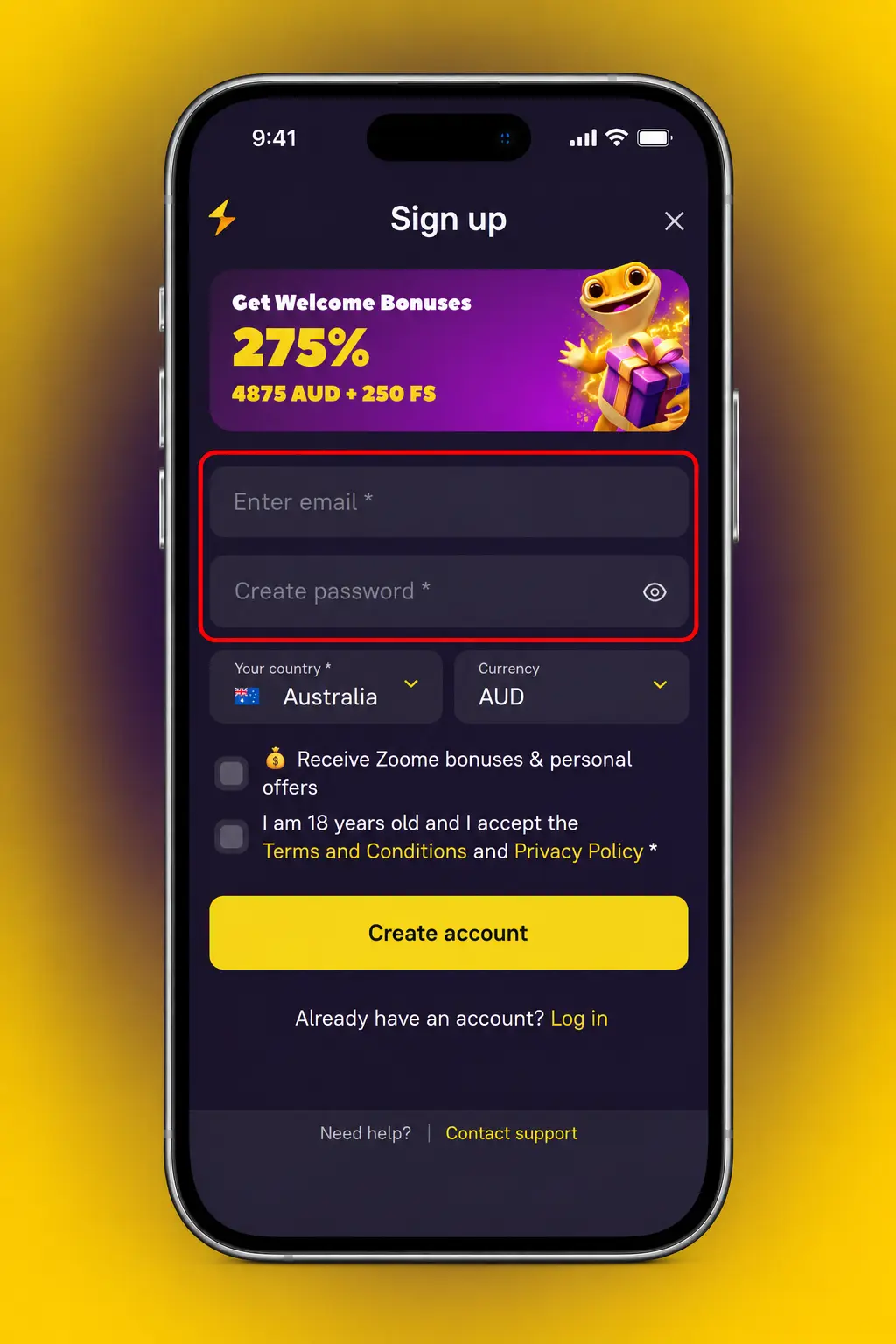
Enter account details
Add your email, create a password and select AUD as your currency.
Add personal details
Type your full name, date of birth and residential address as they appear on your ID.
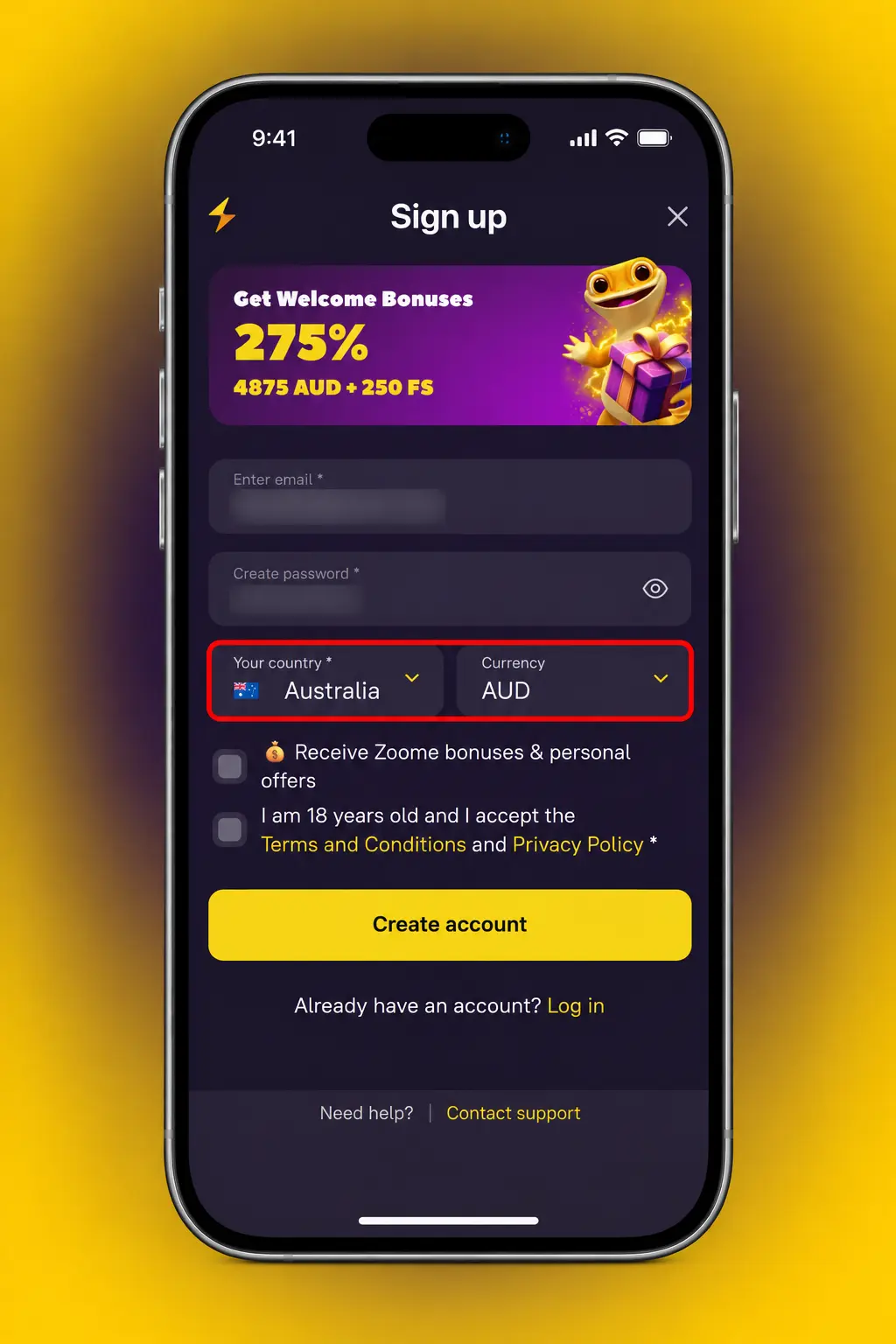
Confirm age and terms
Tick the boxes confirming you are 18 or older and accept the terms and conditions.
Submit and make your first deposit
Send the form, then open the cashier to deposit and claim your welcome bonus.
Zoome Register via App: Mobile Registration Steps
App registration uses the same account system as the website, so one profile works on both. The main difference is that you complete the form on your phone screen.
- Open the app. Launch the app after installation and tap Register.
- Choose a method. Select a registration method shown on the form and enter your details.
- Enter your details. Add your email, password, AUD currency, full name, date of birth and address.
- Accept the terms. Confirm you are 18 or older and agree to the terms and conditions.
- Deposit and verify. Make your first deposit in the cashier, then upload your ID in the profile section.
Registration Requirements for Australian Players
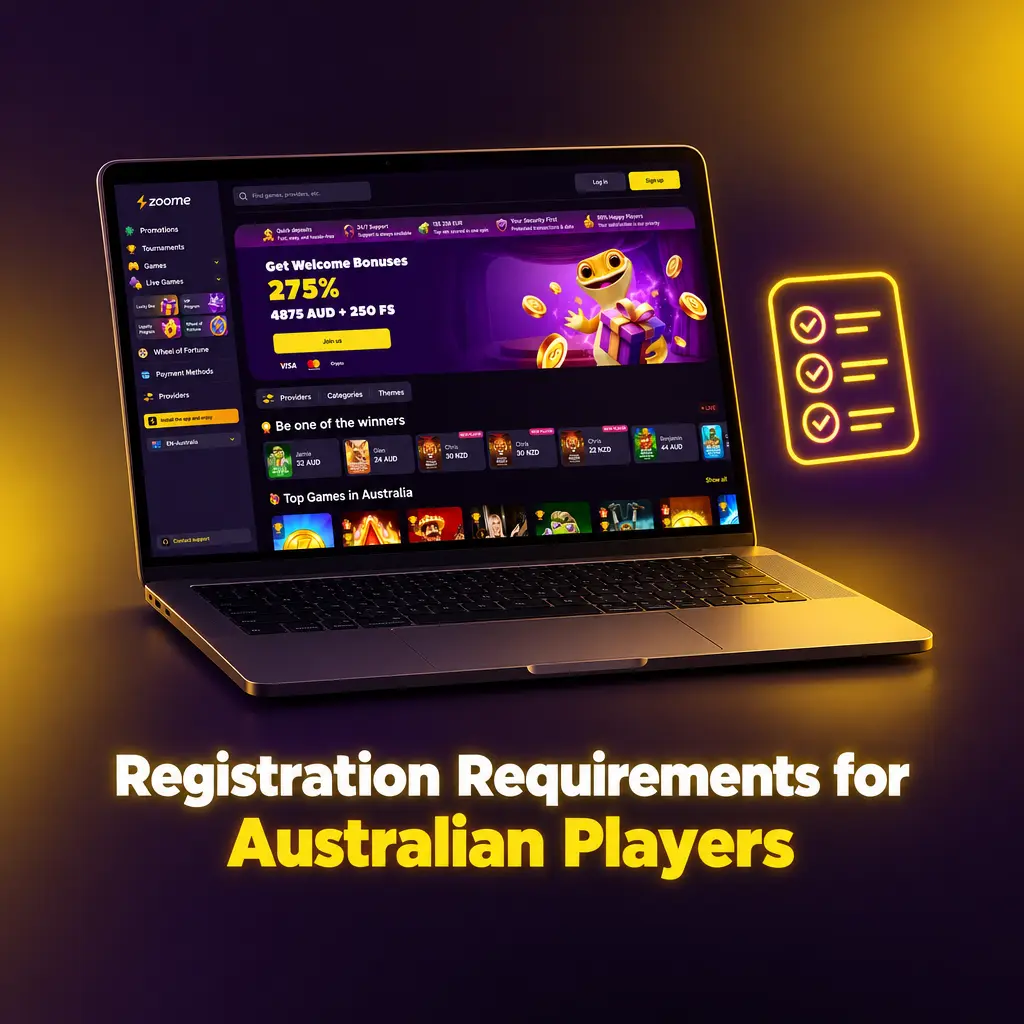
You must meet a few basic rules before you can register online. Each rule protects your account and keeps play fair. We check your details during account verification. Incorrect or borrowed details can lead to a blocked account.
- Age: You must be 18 or older, the legal gambling age in Australia.
- Matching details: Your name, date of birth and address must match your ID.
- Documents: Provide a valid photo ID, such as a passport or Australian driver licence, and proof of address if requested.
- One account: Each person may hold one account. Duplicate or shared accounts can be closed.
- Payment ownership: Use only cards and wallets in your own name.
Gambling Help Online offers free support on 1800 858 858.
Zoome Account Verification: Confirm Your Identity
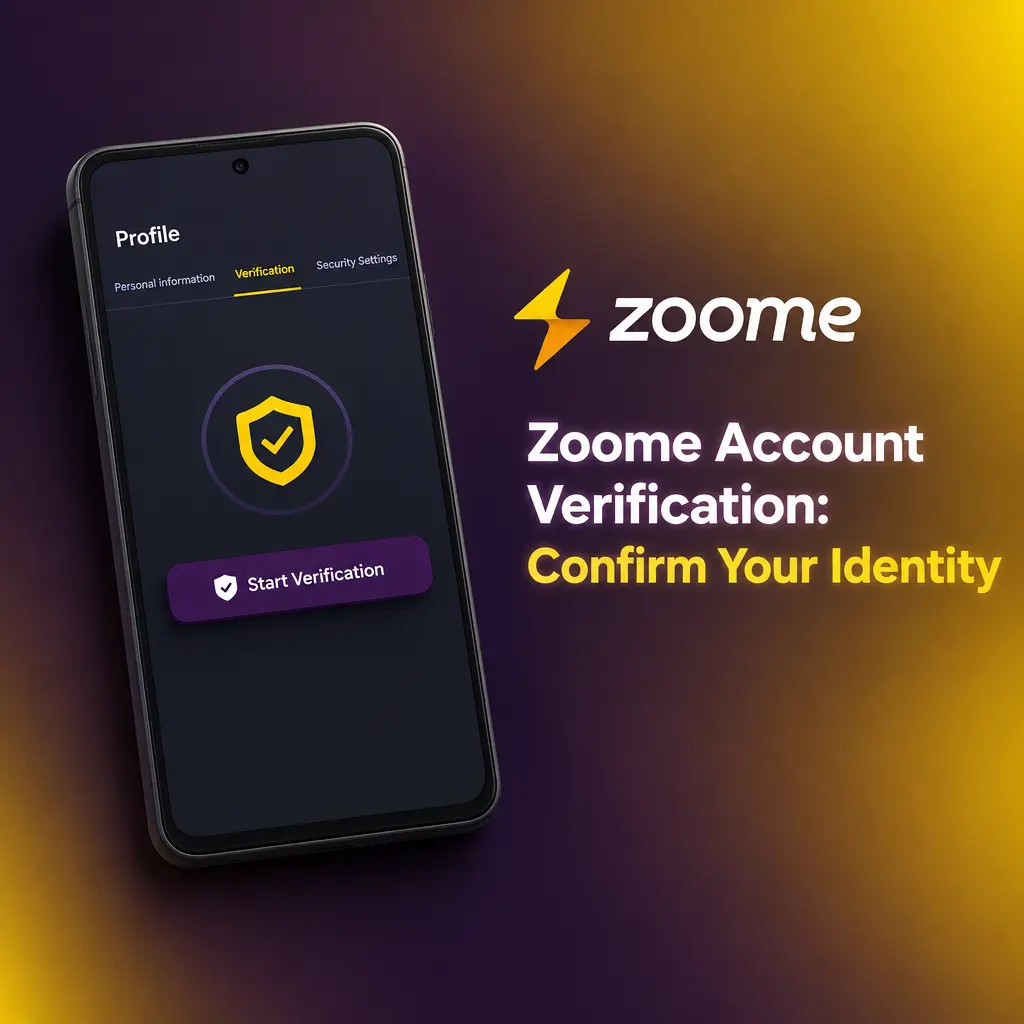
Verification confirms that you are 18 or older and that the account belongs to you. It protects your balance and is required before we process withdrawals. For Australian players, it also keeps your personal data and funds tied to one verified person.
- Complete your profile. Fill in your full name, date of birth and residential address.
- Upload photo ID. Provide a clear photo of your passport or driver licence.
- Add proof of address. Upload a recent utility bill or bank statement showing your name and address.
- Confirm your payment method. If asked, provide proof that your card or wallet belongs to you.
- Check your status. Open your profile to see when verification is approved.
Zoome Login: Sign In to Your Account
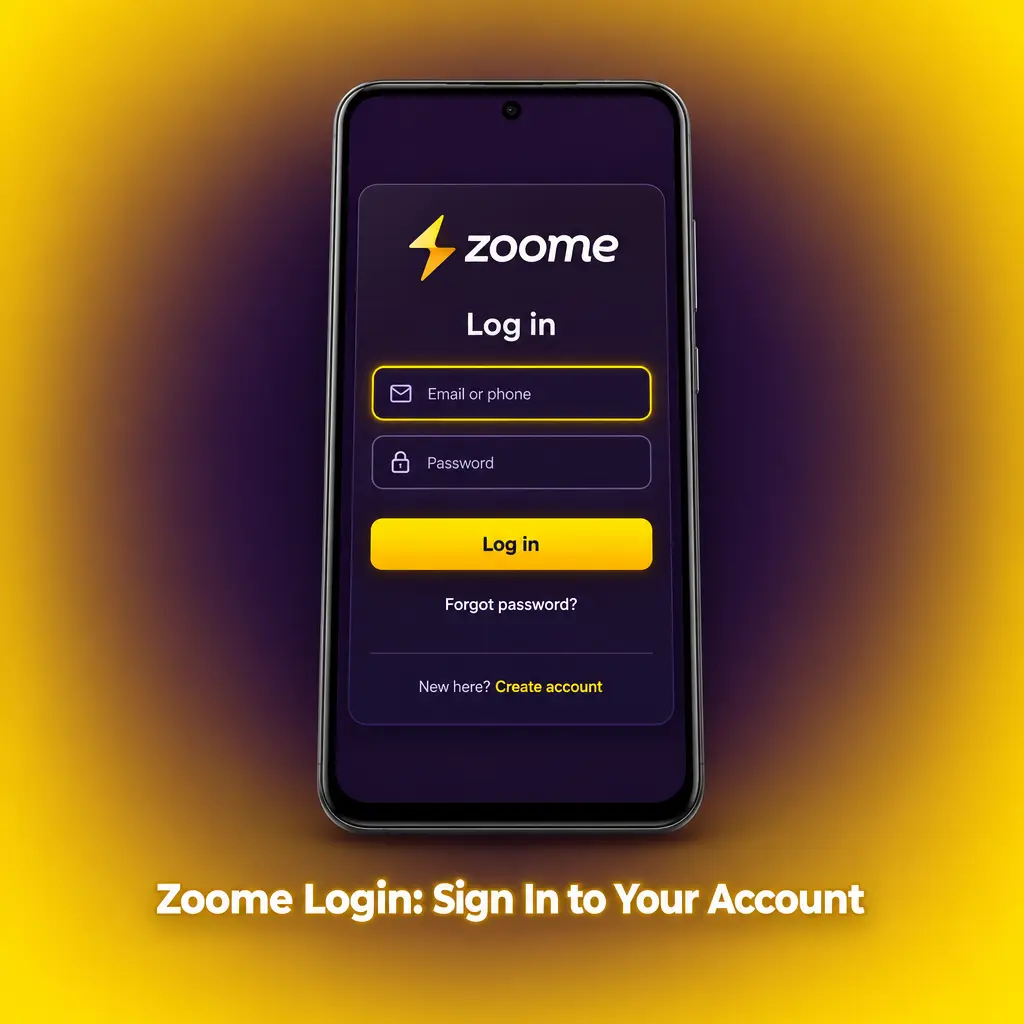
Use the details from registration to sign in. Your account login works on the website and in the app.
- Open the login form. Select the Login button in the top menu of this website, or tap it on the app home screen.
- Enter your details. Type the email and password you used at registration.
- Confirm security checks. Complete any security check shown on screen.
- Start playing. Open the cashier to deposit, or choose a pokie or sports market.
Zoome Welcome Bonus After Registration
Your welcome bonus is available after registration and your first deposit. Four offers are listed: 125% up to 2,625 AUD, 100% up to 1,500 AUD + 100 FS, 50% up to 1,125 AUD + 50 FS and 100% up to 1,125 AUD + 100 FS. They cover casino and sports betting, so check the Promotions page to see which applies to each. FS stands for free spins.
| Offer | Match | Maximum bonus | Free spins |
|---|---|---|---|
| Offer 1 | 125% | 2,625 AUD | None |
| Offer 2 | 100% | 1,500 AUD | 100 FS |
| Offer 3 | 50% | 1,125 AUD | 50 FS |
| Offer 4 | 100% | 1,125 AUD | 100 FS |
Minimum deposit and wagering requirements are listed in the bonus terms. Read them before you deposit.
How to Claim Your Zoome Welcome Bonus
Claim your welcome bonus in four steps. You need a registered account and a deposit in AUD.
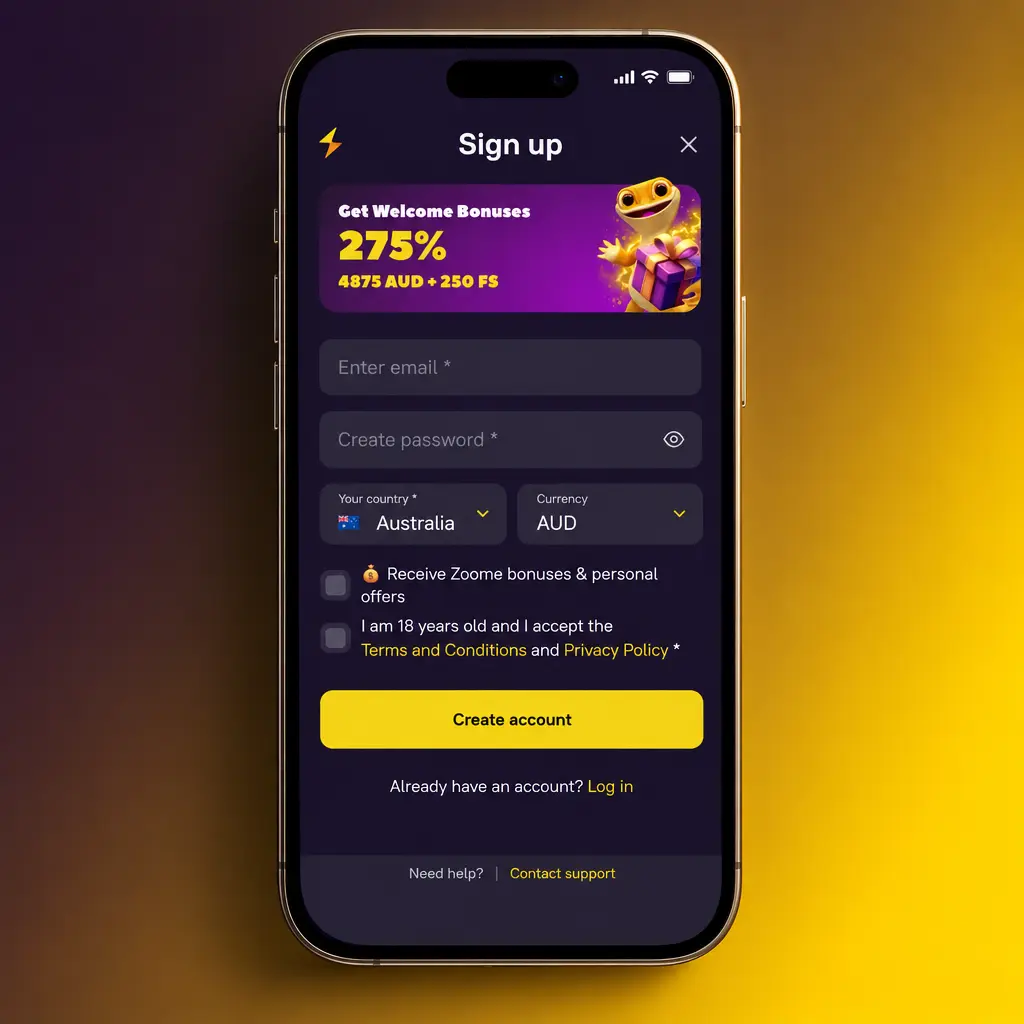
Register on this website
Select Sign up in the top menu to create your account.
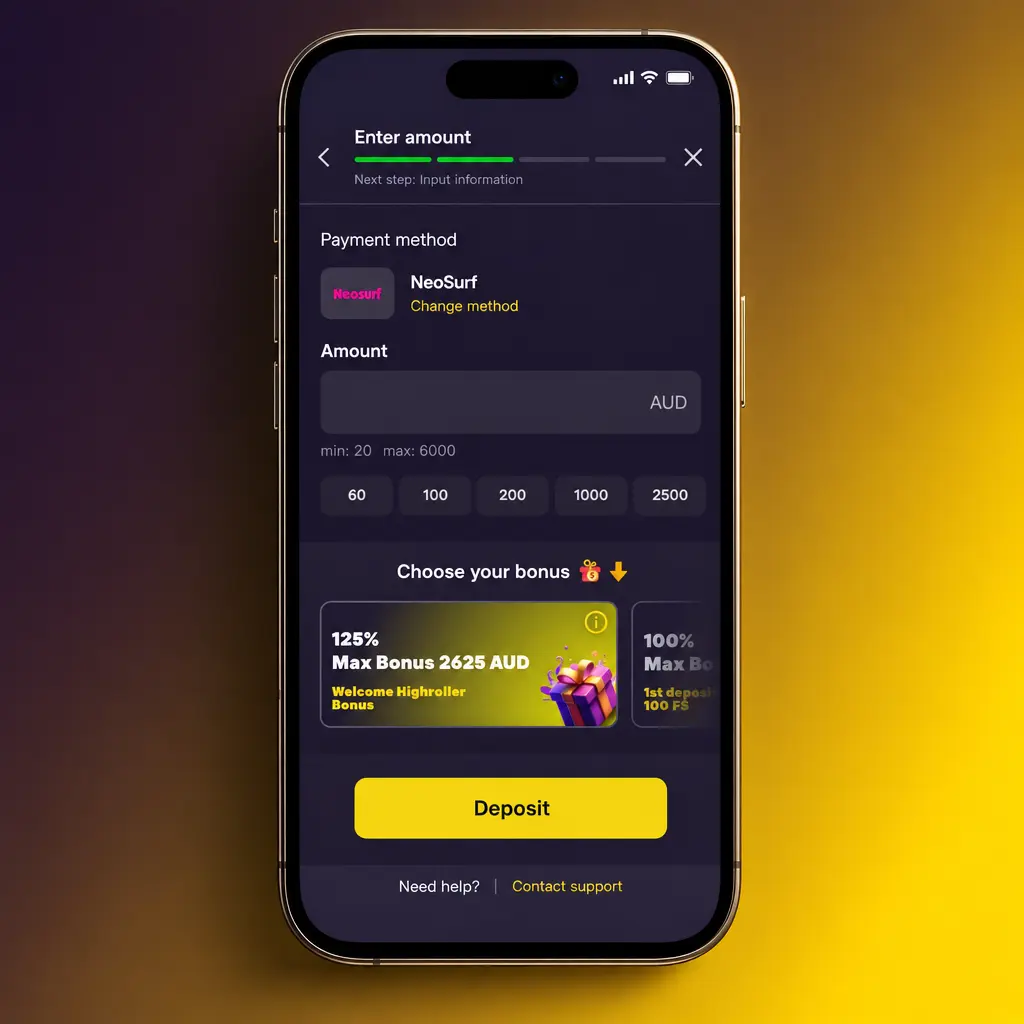
Open the cashier
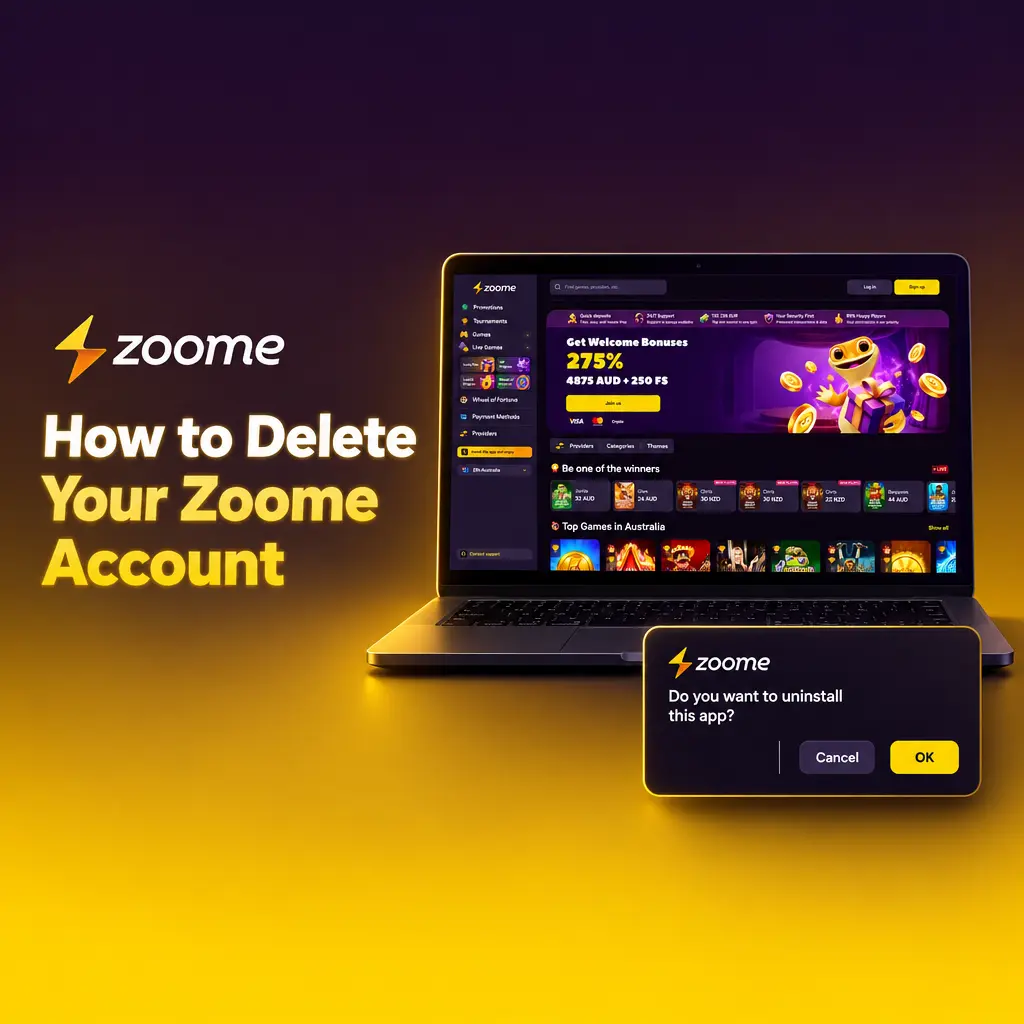
Go to Deposit and enter your amount in AUD.
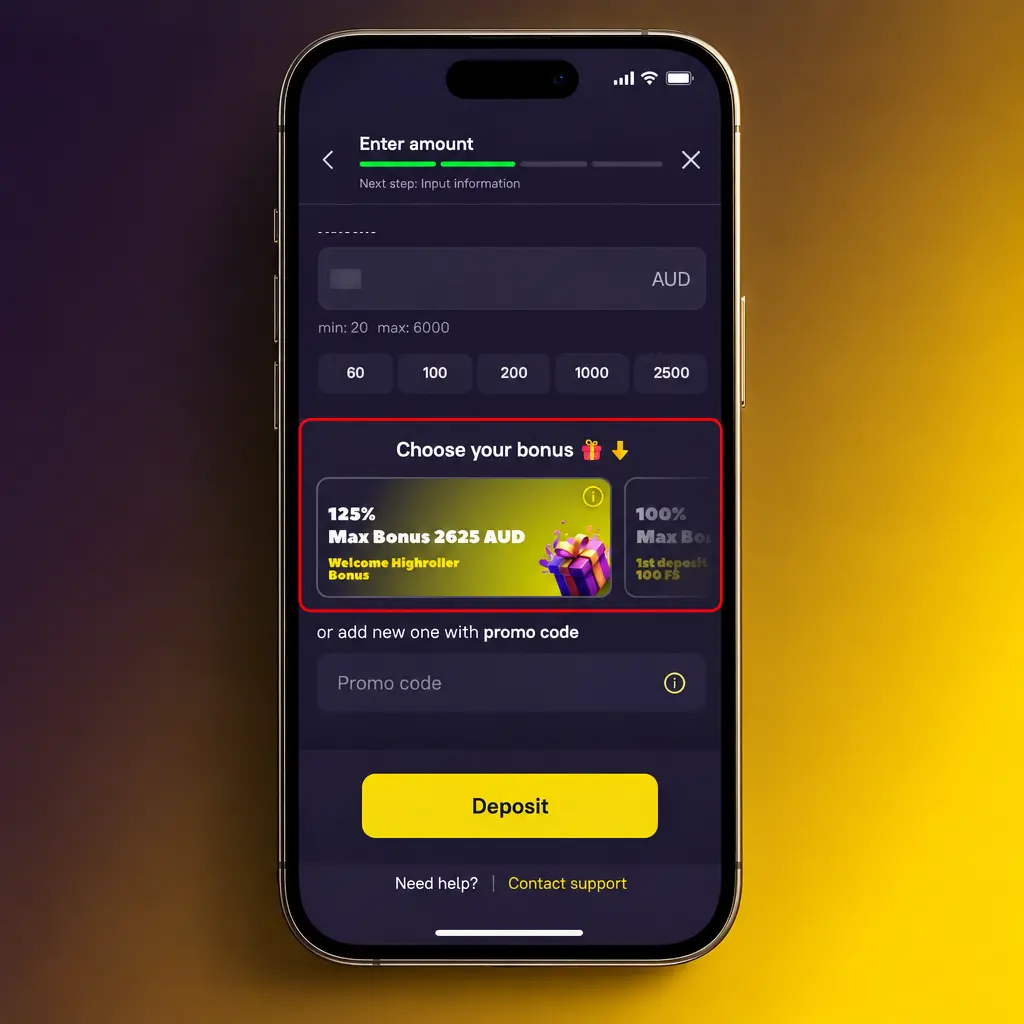
Select the welcome offer
Choose the bonus you want before you confirm the payment.
Check your bonus balance
Open your profile or the Promotions page to see your bonus status and wagering progress.
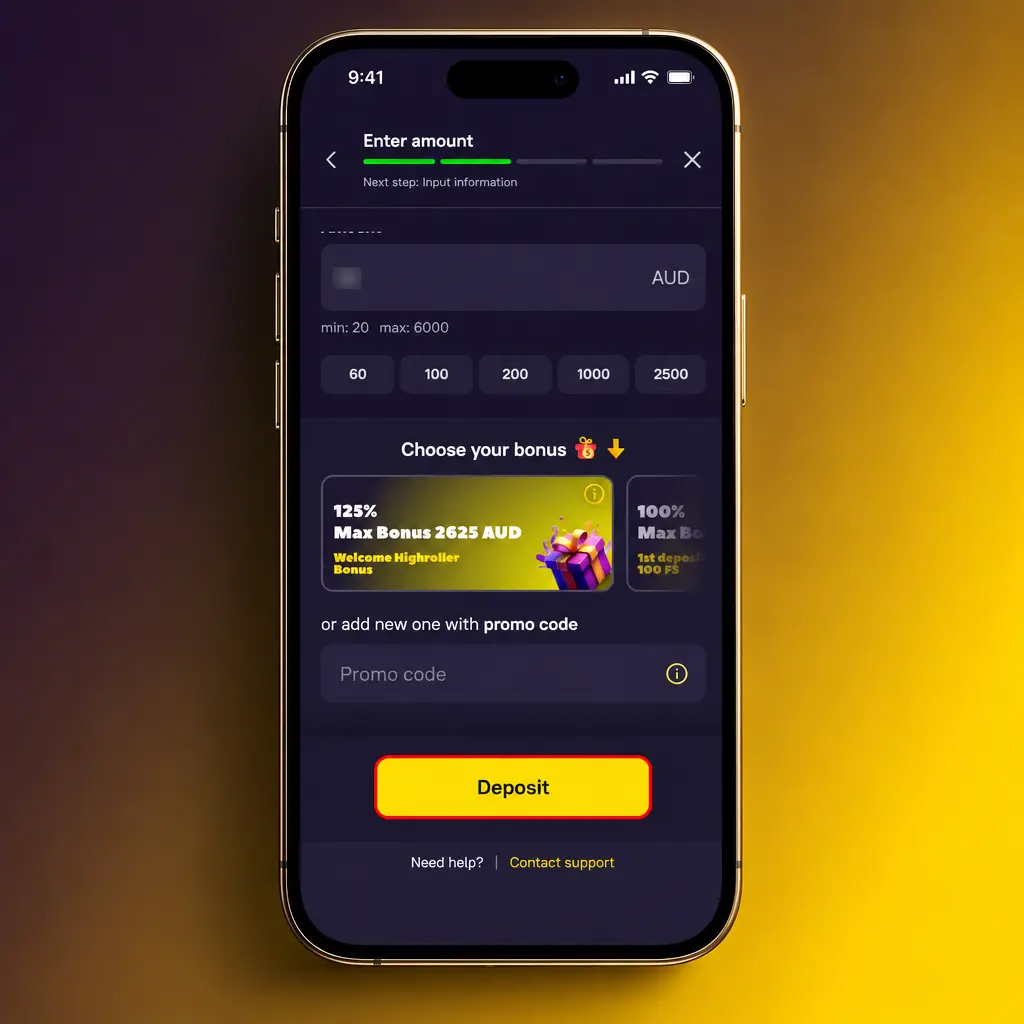
Common Zoome Registration Problems and Solutions
Most registration problems come from typing errors or unreadable documents. The fixes below solve them quickly, and support can help with the rest.
- Problem: Email already in use. Solution: Log in or use password recovery, and contact support if you did not create the account.
- Problem: Verification code not received. Solution: Check your spam folder, confirm your email spelling and request a new code.
- Problem: Document rejected. Solution: Upload a clear photo of the full, valid document with all four corners visible.
- Problem: Details do not match your ID. Solution: Contact support to correct your name, date of birth or address.
- Problem: Age or location error. Solution: Confirm you are 18 or older and located in Australia, then contact support if the error stays.
Reset Your Zoome Password
You can reset a forgotten password from the login form. Use the email address linked to your account.
- Open the login form and select Forgot password.
- Enter the email address you registered with, or the phone number if the form asks for it.
- Open the reset message and select the link.
- Create a new, strong password that you do not use anywhere else.
- Return to the login form and sign in with your new password.
If you cannot access your email, contact support to recover your account.
How to Delete Your Zoome Account
You can close your account if you want a break, no longer play or want your personal data removed. Follow the steps below to make the request.
- Withdraw any remaining balance before you request closure.
- Contact support from the email linked to your account and ask to delete it.
- Confirm your identity if support asks for ID or security details.
- Wait for support to confirm that the account is closed.
If you are closing your account because of gambling concerns, call Gambling Help Online on 1800 858 858.
FAQ
Which currency you can use at Zoome
You can play and deposit in AUD. The welcome bonus amounts are also listed in AUD.
How to change your email or phone number
Contact support from your registered email. You may need to confirm your identity with ID.
How to keep your account secure
Use a unique password, never share your login and log out on shared devices. Complete account verification to add another layer of protection.
How to set deposit limits
Open the responsible gambling settings in your profile, or ask support to set daily, weekly or monthly deposit limits.
Where to get help with gambling
Gambling Help Online offers free, confidential support 24 hours a day on 1800 858 858.